Start Selling
Written By Ina
Last updated 12 months ago
Go to app.seeit.co
Follow the onboarding steps.
Complete KYC verification to start selling (some countries may not be eligible for KYC — check the list of unsupported countries here).
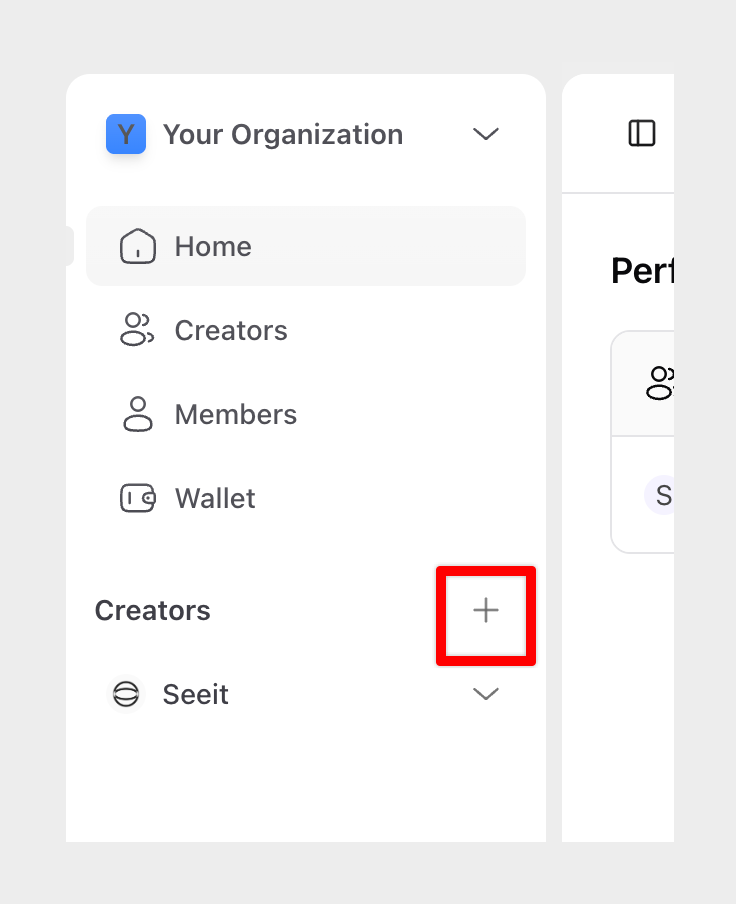
Once your organization is created, you need to Add a Creator Workspace to start selling links.
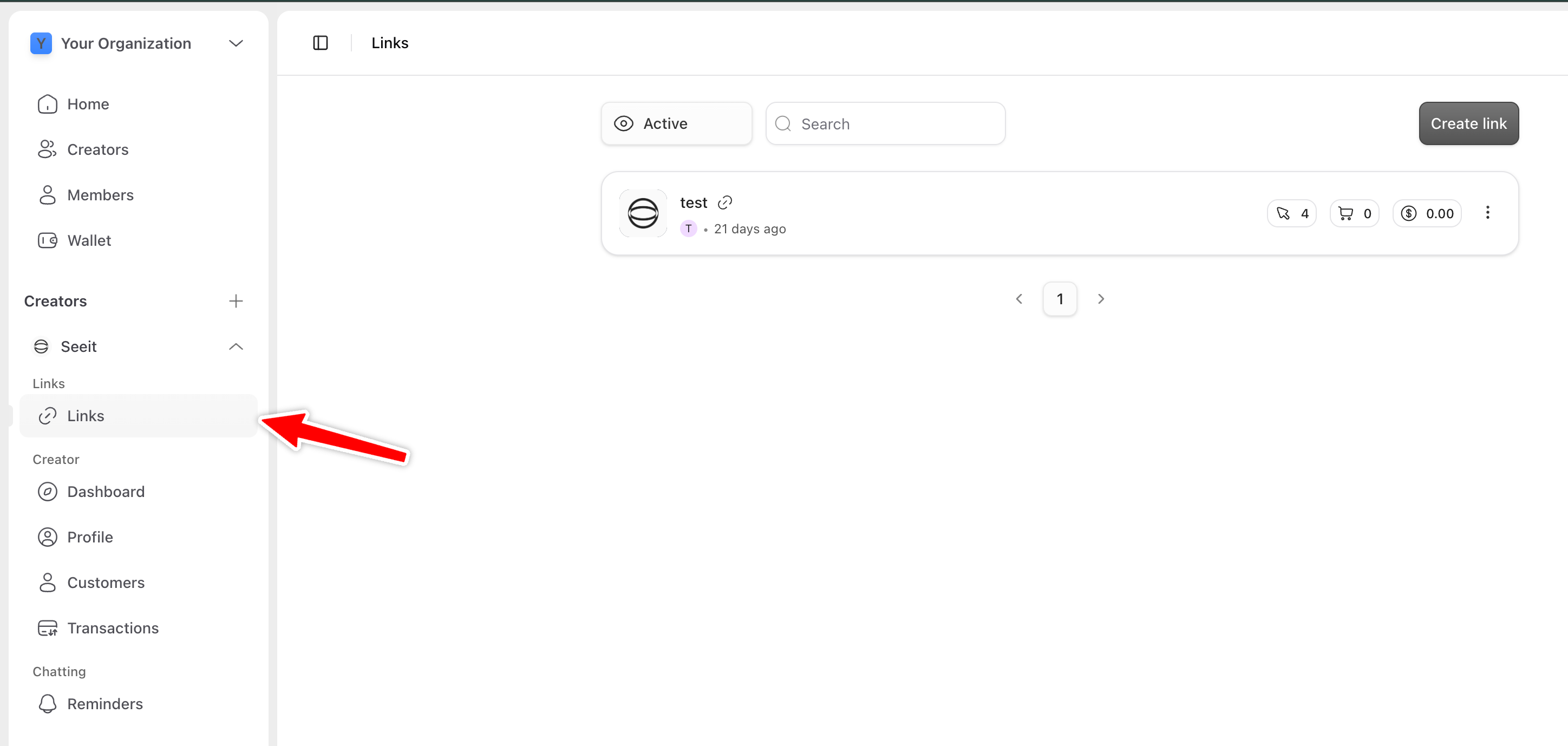
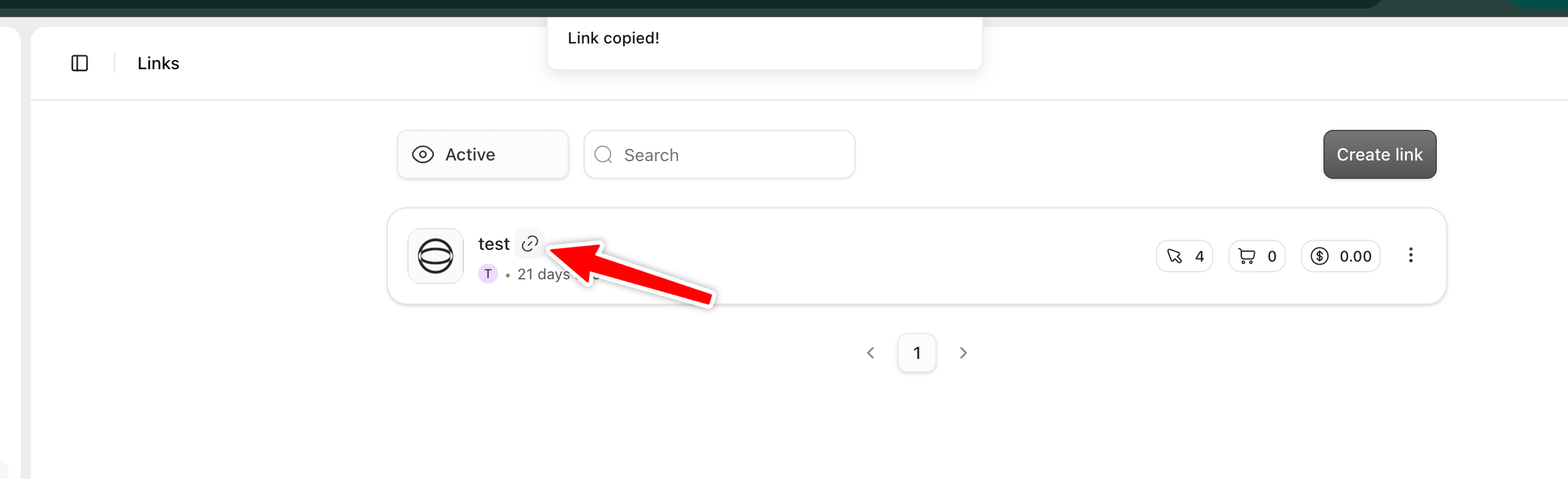
Once you have created a Creator Workspace you can see the Link page related to that Creator.
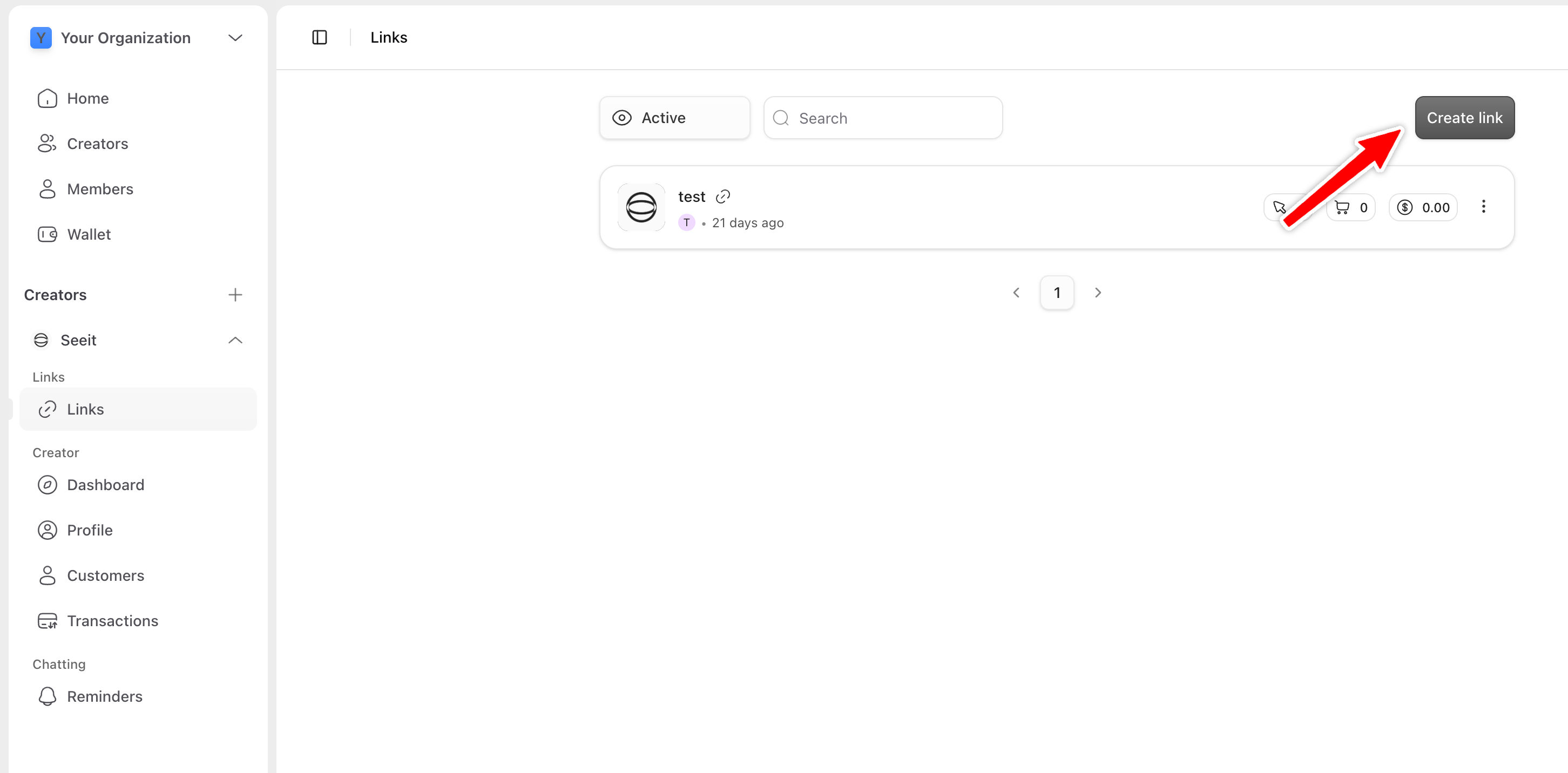
To start selling, you need to Create a link.
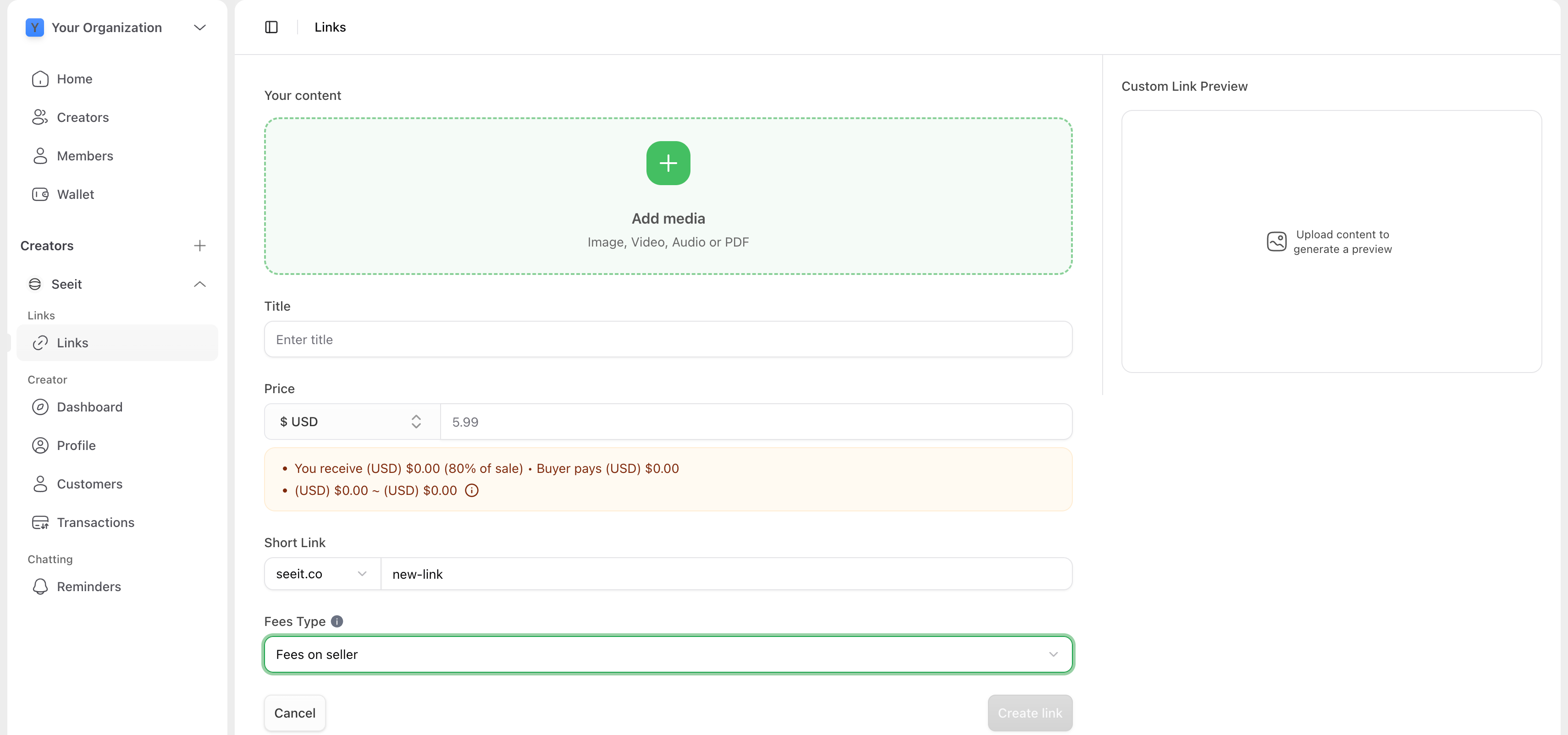
Upload your content and set prices to create links.
Share your links anywhere online — social media, email, or chats.
Was this helpful?
Still need help? Ask the team